
How to Design User-Friendly Admin Panels That Non-Technical Teams Love
Md Sharif Foysal Shoron
Author
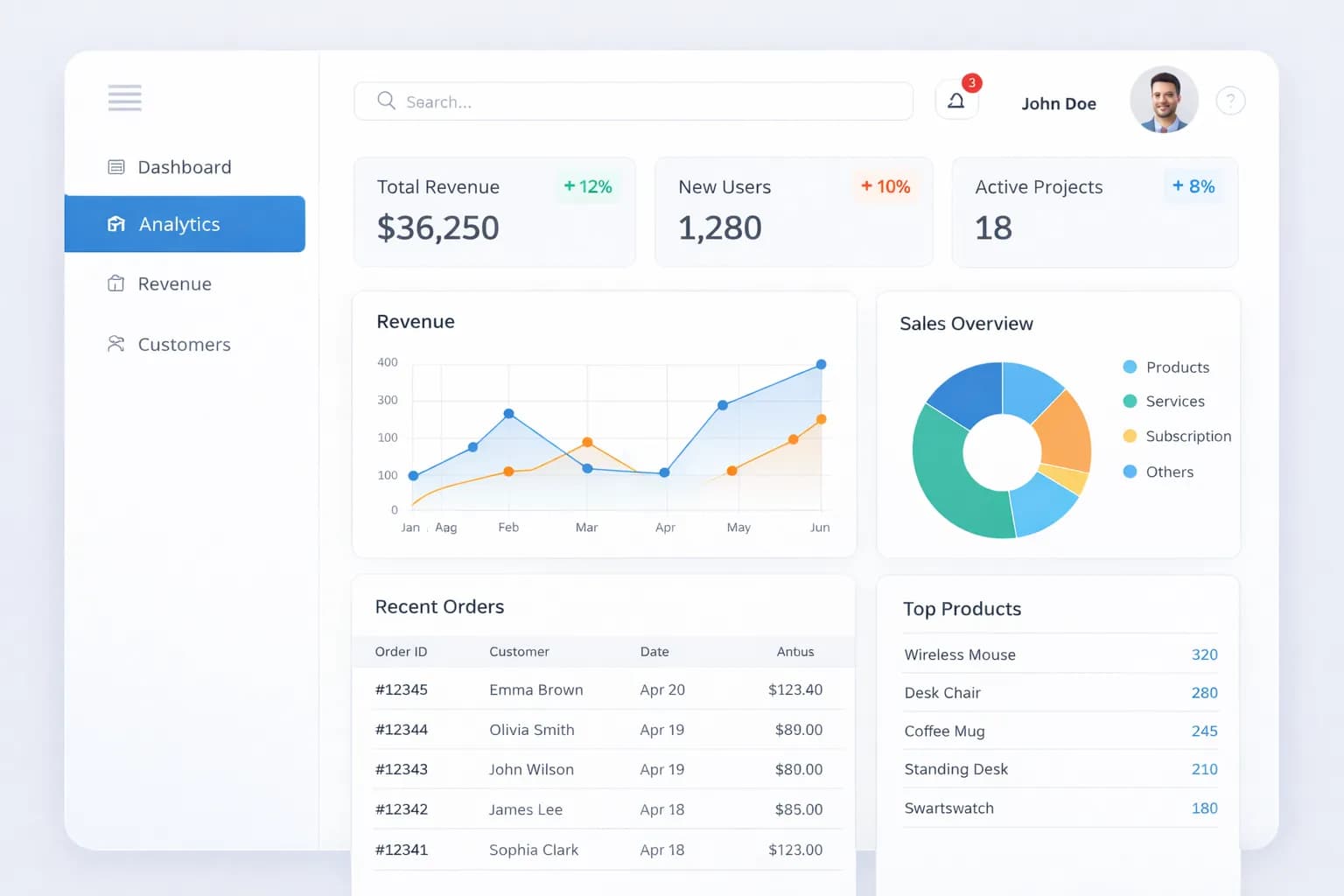
An admin panel should empower users, not confuse them. Many dashboards fail because they prioritize features over usability.
Why Clarity Is the Foundation of Good Admin UX
Every admin page should clearly explain its purpose and guide users toward the next action.
Reducing Cognitive Load
Clear layouts, logical grouping, and strong visual hierarchy make complex systems easier to use.
Consistency Improves Speed and Confidence
When buttons, forms, and tables behave consistently, users learn faster and make fewer mistakes.
Faster Onboarding
Predictable UI patterns reduce training time for new team members.
Feedback Builds User Trust
Success messages, validation errors, and loading indicators reassure users that actions are working correctly.
Designing for Real Workflows
At Square Tech IT, we design admin panels around real user behavior, creating calm and productive interfaces for teams of all skill levels.