Education Technology & Online Learning

Labour Care — Audio Booth Narration Recording Platform

A private browser-based recording studio for Labour Care narrators, combining a teleprompter, lossless WAV capture and segment-by-segment progress for course audio.

Client
Labour Care
Industry
Education Technology & Online Learning
Services
Custom Software, Web Development, UI/UX Design, Admin Dashboard Development
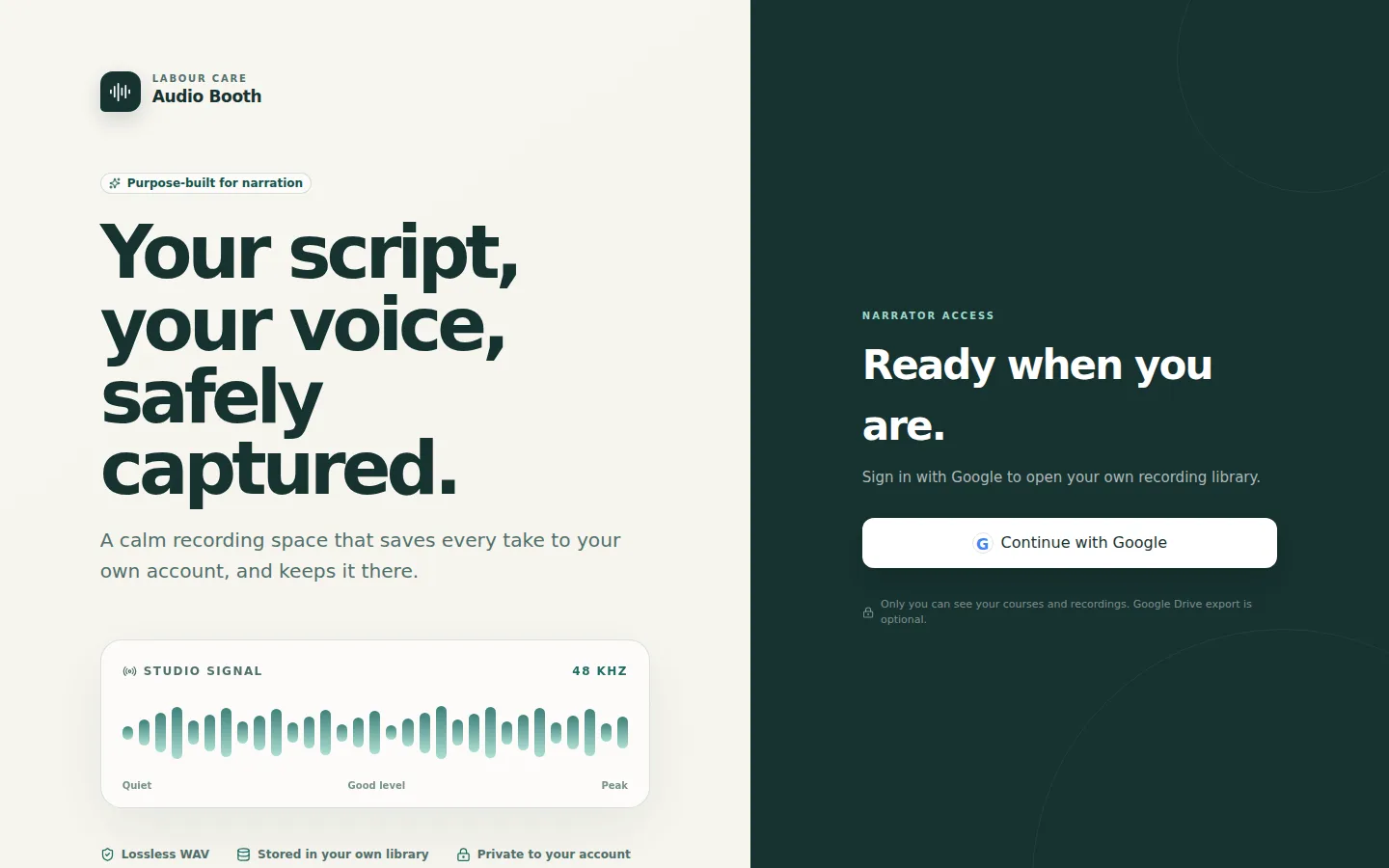
Labour Care Audio Booth sign-in page on desktop, with the headline Your script, your voice, safely captured, a 48 kHz studio signal card and a Continue with Google button

01Overview

About the project

Labour Care Audio Booth is an internal web application that lets narrators record the audio for Labour Care courses directly in the browser. Each course is a script divided into segments, and the booth shows one segment at a time as a teleprompter while capturing the narrator's voice as lossless audio.

Square Tech IT designed and built the application end to end: the sign-in and access model, the shared course library, the document import that turns existing material into recording scripts, the recording booth itself, and the administration screens for managing people and recordings.

The booth is built around protecting every take. Audio is captured at 48 kHz in mono with the browser's voice processing switched off, a live level meter shows whether the input is too quiet or close to clipping, and each recording is held safely in the browser until the server confirms it has been stored.

Access is deliberately restricted. Narrators sign in with their Google account, but signing in grants nothing on its own: an administrator must approve each person, and access is checked again on every request, so removing someone takes effect straight away.

The result is a single place where courses are imported, recorded, reviewed and downloaded, with progress visible for every course and a clear path back to the next segment still waiting to be recorded.
02Challenge

The challenge

Labour Care needed a dependable way for narrators to record spoken audio for its courses. Each course script had to be broken into segments that could be recorded, checked and re-recorded individually, without disturbing any segment already completed.

The audio also had to be of consistent quality and kept under the organisation's control. That meant capturing clean, unprocessed sound, preventing takes from being lost to a dropped connection or a closed tab, limiting access to approved people only, and giving administrators a clear view of what had been recorded across every course.

03Solution

The solution

Square Tech IT built a dedicated recording application with Next.js, React and TypeScript, backed by a PostgreSQL database through Prisma. Courses can be imported from PDF, PowerPoint speaker notes, Word, plain text or JSON, reviewed, and split into segments. Each segment opens in a full-height, distraction-free booth with an adjustable teleprompter, Space bar recording controls, a live level meter and a clipping check before anything is saved.

Every take is stored in the browser first and only cleared once the server confirms the save, which replaces that segment's audio atomically and keeps the previous version if anything fails. Google sign-in identifies each person, while an approval list with User and Admin roles decides who may use the booth. Administrators get a Media Library to search, play, download and remove recordings, alongside a User Access screen for approving, changing and disabling accounts.

04Features

Key features & deliverables

  1. Approved Google Sign-In: Narrators sign in with Google, and only accounts an administrator has approved can open the workspace.
  2. Teleprompter Recording Booth: A full-height, distraction-free screen shows one script segment at a time, with adjustable text size and Space bar start and stop.
  3. Lossless WAV Capture: Mono 48 kHz audio is recorded in the browser with echo cancellation, noise suppression and automatic gain turned off.
  4. Live Level Meter and Clipping Check: A dBFS meter shows the input level while recording, and a clipped take raises a warning before it can be saved.
  5. Segment-by-Segment Recording: Each segment holds one current recording, so re-recording one part of a script leaves every other segment untouched.
  6. Protected Saving: Each take stays in the browser until the server confirms the save, and any unsaved take can be downloaded or removed later.
  7. Course Import from Documents: Scripts can be imported from PDF, PowerPoint speaker notes, Word, plain text or JSON, then reviewed before saving.
  8. Shared Course Library and Progress: Approved users share one course library, with progress per course and a Continue recording shortcut to the next segment.
  9. Media Library: Administrators can search, filter, play, download and delete recordings across every course, with a storage summary at the top.
  10. User Access Management: Administrators approve pending requests, assign User or Admin roles, and disable or re-enable accounts without losing any work.
  11. Course Downloads and Exports: A whole course or selected segments download as a ZIP of WAV files, and course text and script JSON can be exported.

05Outcome

Project Outcome

Labour Care now has a private recording studio that runs in the browser. Narrators can import a course, record it one segment at a time against a teleprompter, listen back, and replace any segment without affecting the rest.

Administrators control exactly who can sign in and can review, download or remove recordings from a single Media Library. Recordings are captured as lossless WAV files and protected at every step of the save, so a failed upload never costs a narrator their take.

Let's work together

Have a Similar Project in Mind?

Tell us what you're building and let's explore how we can bring it to life.